

Image Guidelines
In this day and age, you don’t have to be super tech-savvy or a graphic designer to get us to make a perfect custom deskmat for your setup. You can just follow a few simple steps and our graphics processing team will do what they do best – professionally retouch & upscale & prepare your image for production. Less than 5% of images we get are printing-ready, and that is fine, you are in expert hands!
Basic requirements:
- Minimal image resolution is 1920x1080px (no worries, we will boost it, here is how)
- File formats that our website supports are JPG and PNG
- The file size upload limit on our website is 100 mb
- If your image exceeds the file upload limit or is in any other format, please use a placeholder image to submit the order and contact us at [email protected] with the original file, we can work with any file formats
Do’s:
- Measure your desk when deciding on the pad size to make sure it fits your battle station
- Use the cropping tool on our website to crop the image to fit the product, if you do not like how the image is getting cropped, send us that image to [email protected], let us know what size you want to get, and we will give you options how we can make it work
- Keep in mind the bleeding area of 2/5’’ (10mm) on each side of the mousepad/deskmat. Most of that area is left out and the rest is imprinted on the stitching. That is why important design elements should not be too close to the edge of the image.
- Feel free to add special instructions during checkout, our graphics processing team will do their best to tweak the design according to your needs
Don’ts:
Do not use any upscaling software or service to boost the resolution of the image yourself, we use an array of tools and skills to achieve results that can’t be matched by any stand-alone software
Do not manually resize the image from lower resolution to higher resolution
This section is only for those who have the necessary skills and want to have control over the entire image preparation process from scratch.
Image sizes and templates
- XXXXL mousepad - physical product dimensions 120x60cm / 47.2″x23.6″
Optimal resolution is 6050x3050px and higher, aspect ratio 121:61 - download PSD template - XXXL mousepad - physical product dimensions 100x50cm / 39.3701x19.685''
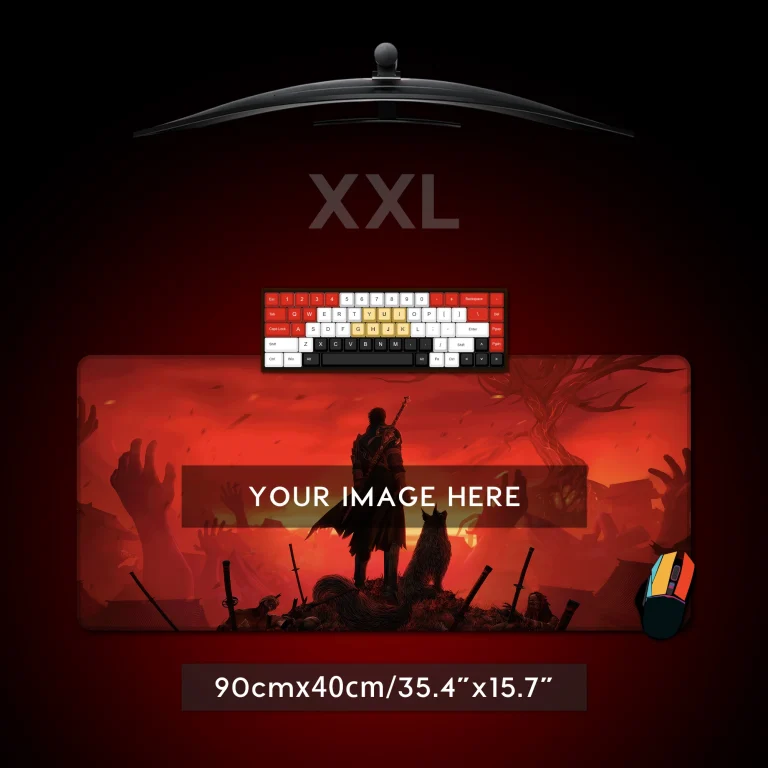
Optimal resolution is 5050x2550px and higher, aspect ratio 101:51 - download PSD template - XXL mousepad - physical product dimensions 90x40cm / 35.4331x15.748''
Optimal resolution is 4550x2050px and higher, aspect ratio 91:41 - download PSD template - XL mousepad - physical product dimensions 80x40cm / 31.4961x15.748''
Optimal resolution is 4050x2050px and higher, aspect ratio 81:41 - download PSD template - L mousepad - physical product dimensions 80x30cm / 31.4961x11.811''
Optimal resolution is 4050x1550px and higher, aspect ratio 81:31 - download PSD template - M mousepad - physical product dimensions 70x30cm / 27.5591x11.811''
Optimal resolution is 3550x1550px and higher, aspect ratio 71x31 - download PSD template - S mousepad - physical product dimensions 26x35cm / 10.2362x13.7795''
Optimal resolution is 1350x1800px and higher, aspect ratio 27x36 - download PSD template
In the template files, you will see the teal-colored guides near each edge of the canvas, which is the bleeding area that is needed for production.
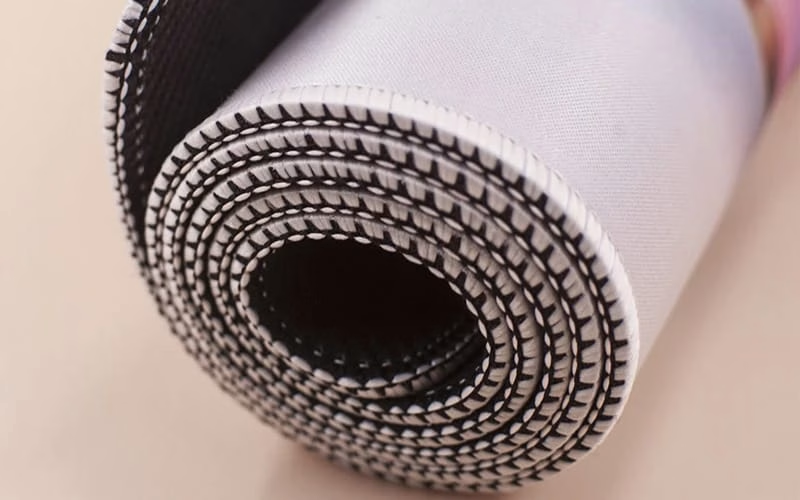
Please note that desk pads are soft substrates, and can shrink up to 1-1.5cm in size due to the high heat and pressure we use during production.
File types
We can work with any file format, whether it is raster or vector. To place your order you will need to either save the image as PNG or JPG in the highest quality setting and then email us the original file in whatever format you have it with layers unmerged. Download links to cloud storage or file hosting services are always welcome!
Color management
As you know every computer monitor is unique, has its own color settings straight out of the box, and when you go from the monitor which operates in RGB and is capable of showing millions of colors, to printing on a physical substrate (CMYK) the visible spectrum of colors slightly narrows. Specifically, the extremely saturated colors or so-called 'neon' or 'fluorescent' colors will appear more muted in print, because the printer RIP software will pick the closest CMYK matches.
Setting your ICC profile to Adobe RGB (1998) will greatly minimize any potential color discrepancy. We use a color-calibrated designer monitor to control the input and output colors on our deskpads.
How to build

How to print


MEASURED YOUR DESK?
Customize your new gaming mousepad now!